top of page

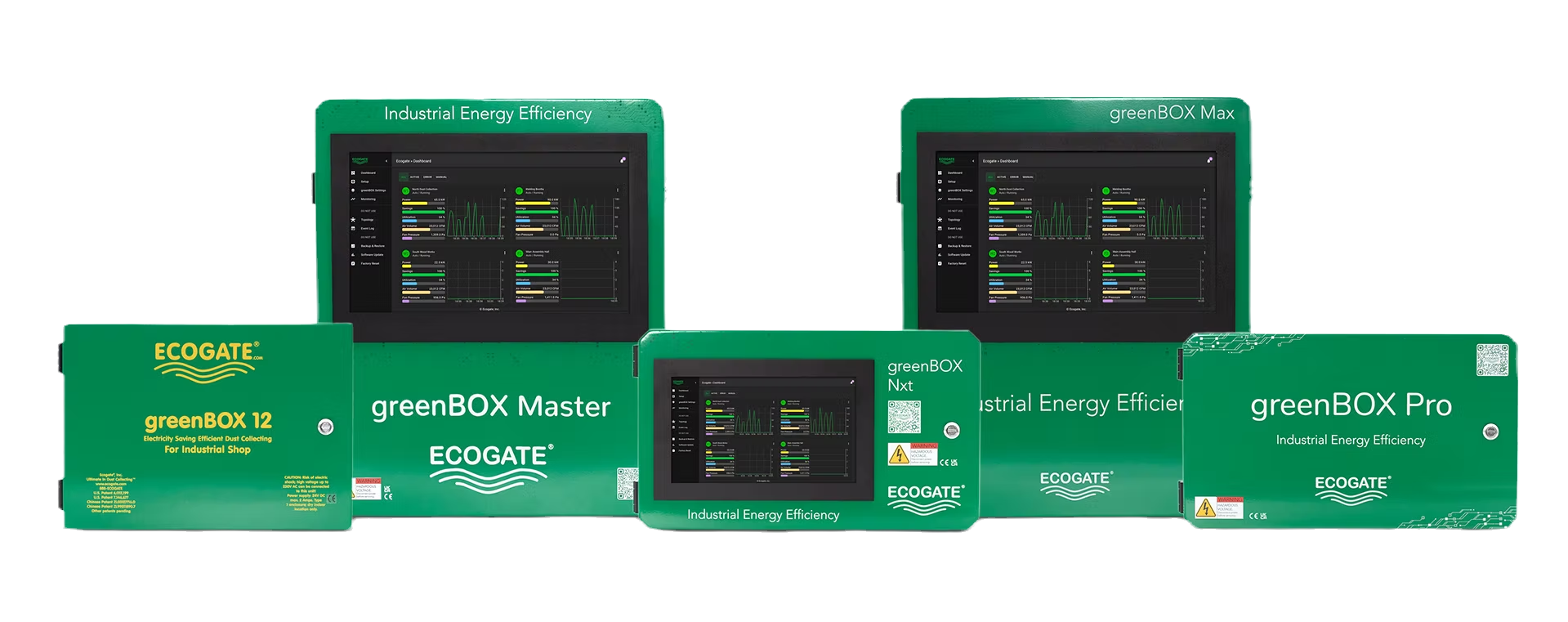
The greenBOX controller.

The complete greenBOX controller family, shown without cropping
The greenBOX controller family

The greenBOX is the central controller in an Ecogate dust collection system. It controls automatic blast gates and adjusts fan speed through a Power Master variable frequency drive (VFD).

As machines start and stop, it matches extraction airflow to the work in progress while maintaining the conveying airflow needed to move dust through the ductwork.

How the greenBOX controls airflow.

Workstation activity sensors tell the controller which machines need extraction. Smart Gates measure duct pressure, air velocity, and air volume.

  1. Open the required blast gates

    The greenBOX opens gates serving active workstations. Configured off delays allow residual dust to clear after a machine stops.

  2. Calculate the required airflow

    The controller totals workstation airflow requirements and checks minimum conveying velocity in each configured duct zone. The greenBOX opens additional gates at non-operating machinery or bleed gates until the minimum airflow is reached.

  3. Adjust fan speed

    The greenBOX sends a command to the Power Master VFD, which adjusts fan speed to meet the system’s airflow requirement.

These functions depend on the configured Smart System, compatible gates and sensors, and the commissioned duct and fan settings.

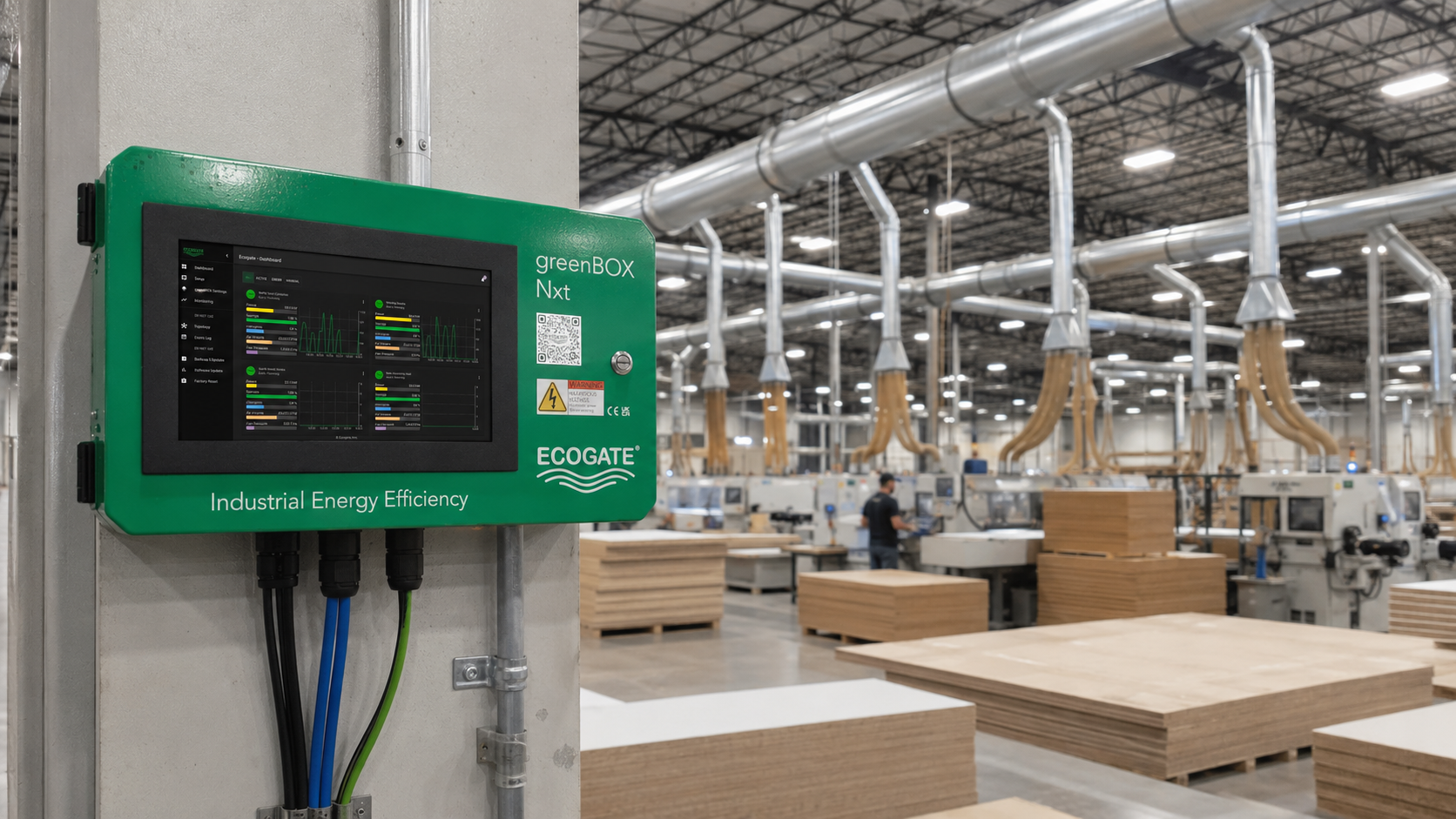
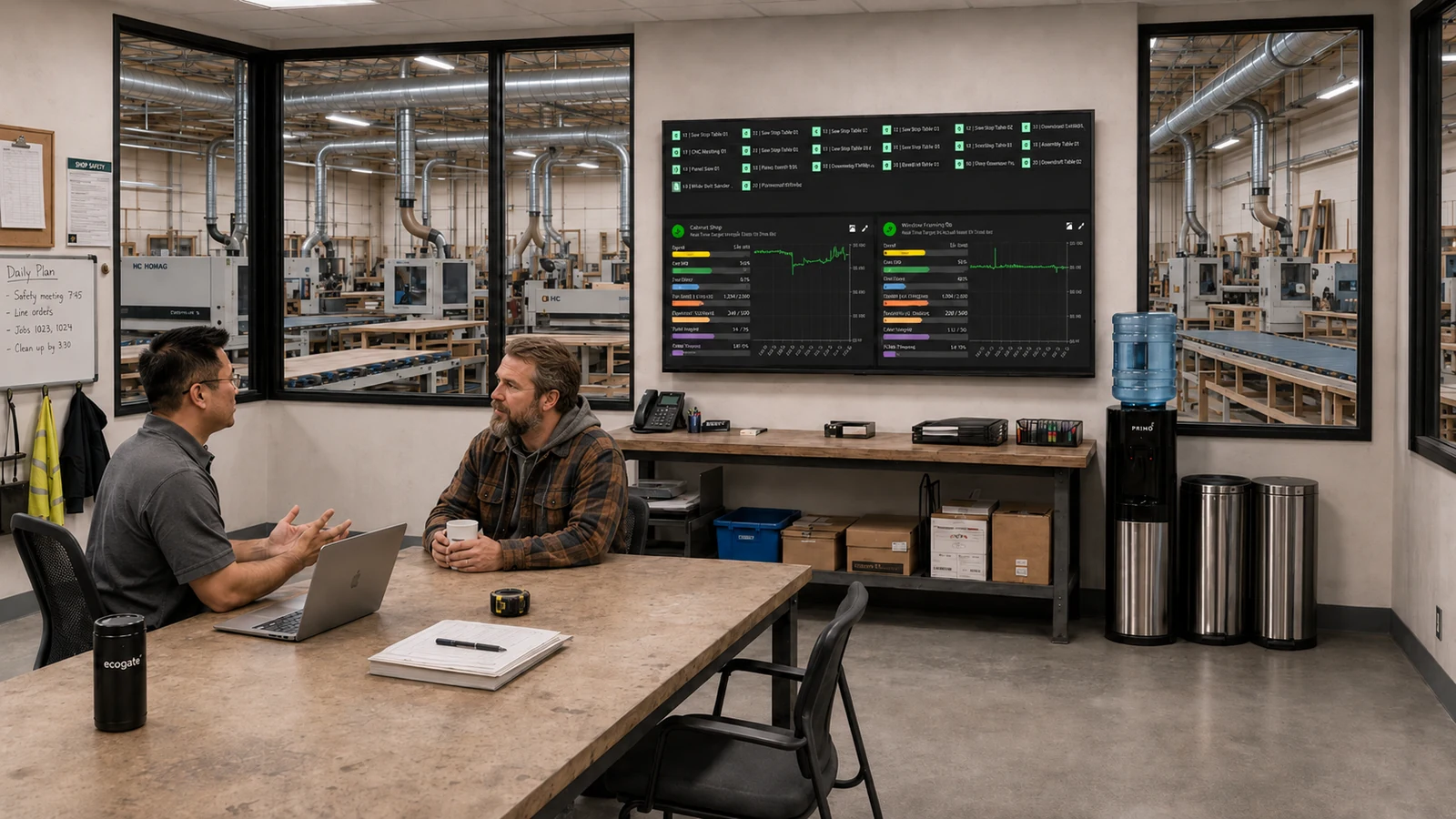
Operator using the touchscreen on an installed greenBOX Nxt controllerA greenBOX Nxt installed at an industrial facilityEcogate system information displayed on a monitor in an officeExpand gallery
Local touchscreen access on the greenBOX Nxt
←
1 / 3
→
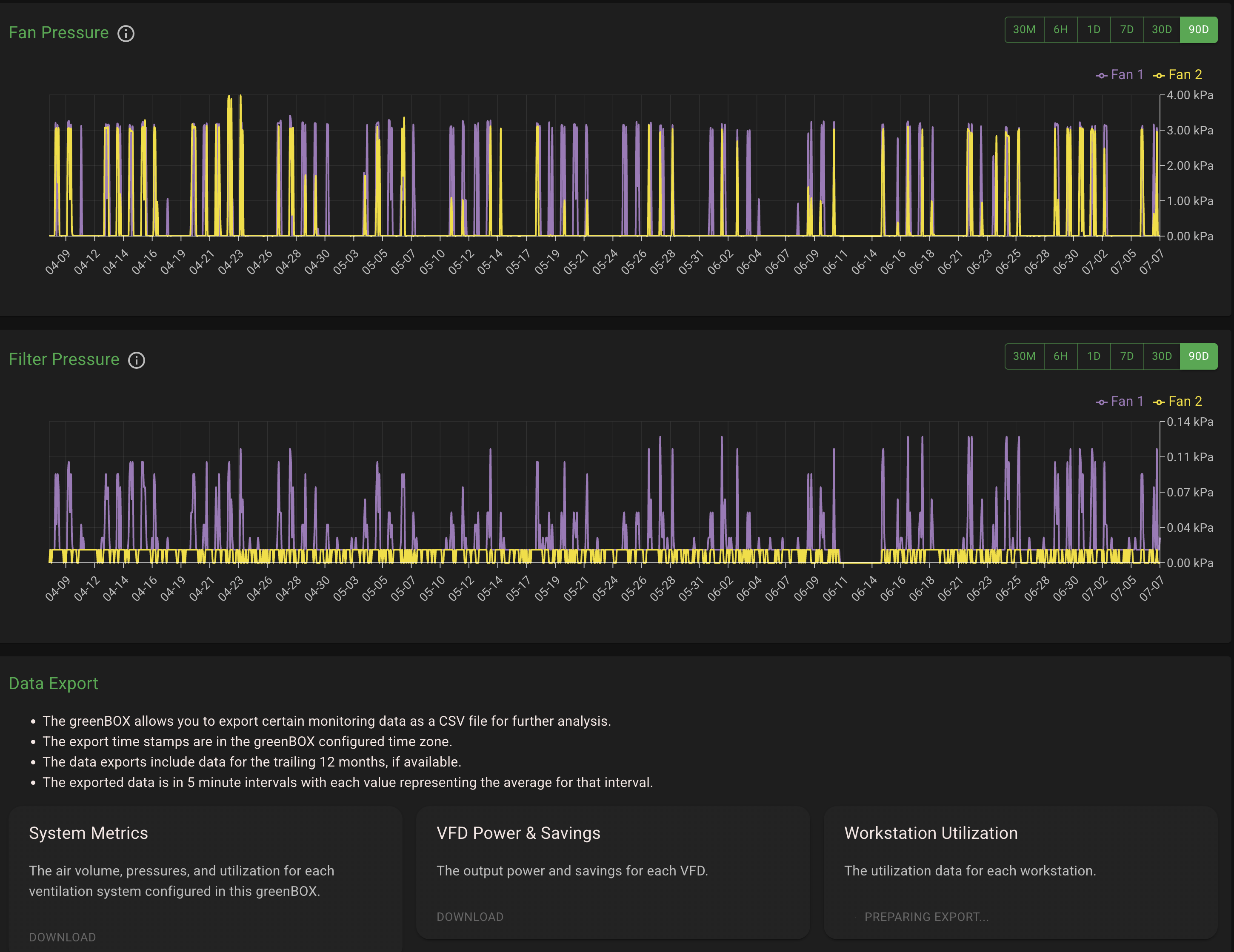
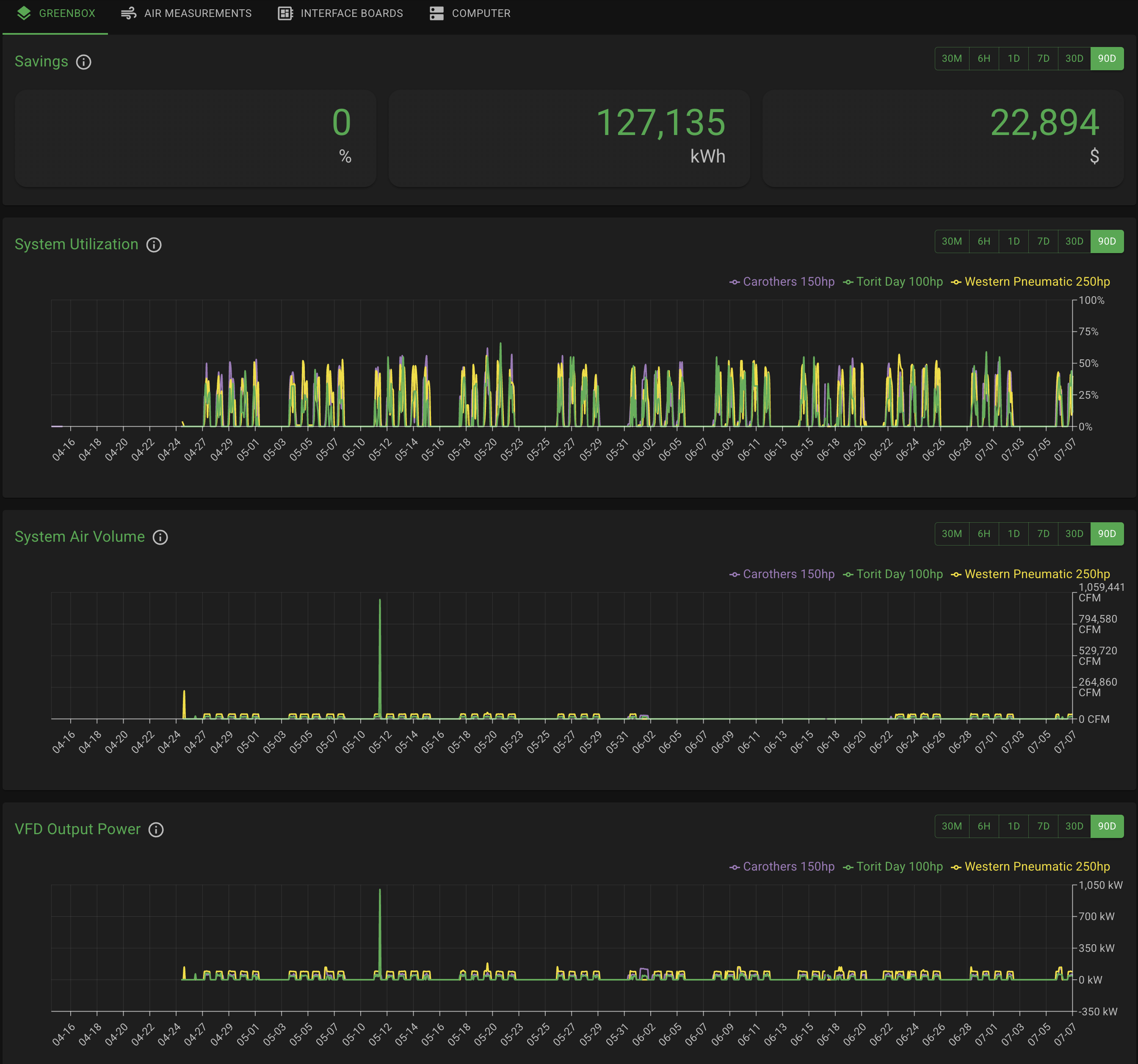
The greenBOX dashboard showing industrial ventilation system status and performance informationPressure data export from an Ecogate-controlled ventilation systemEcogate Analytics charts showing ventilation system trendsMeasured values from a Power Master VFD connected to an Ecogate systemExpand gallery
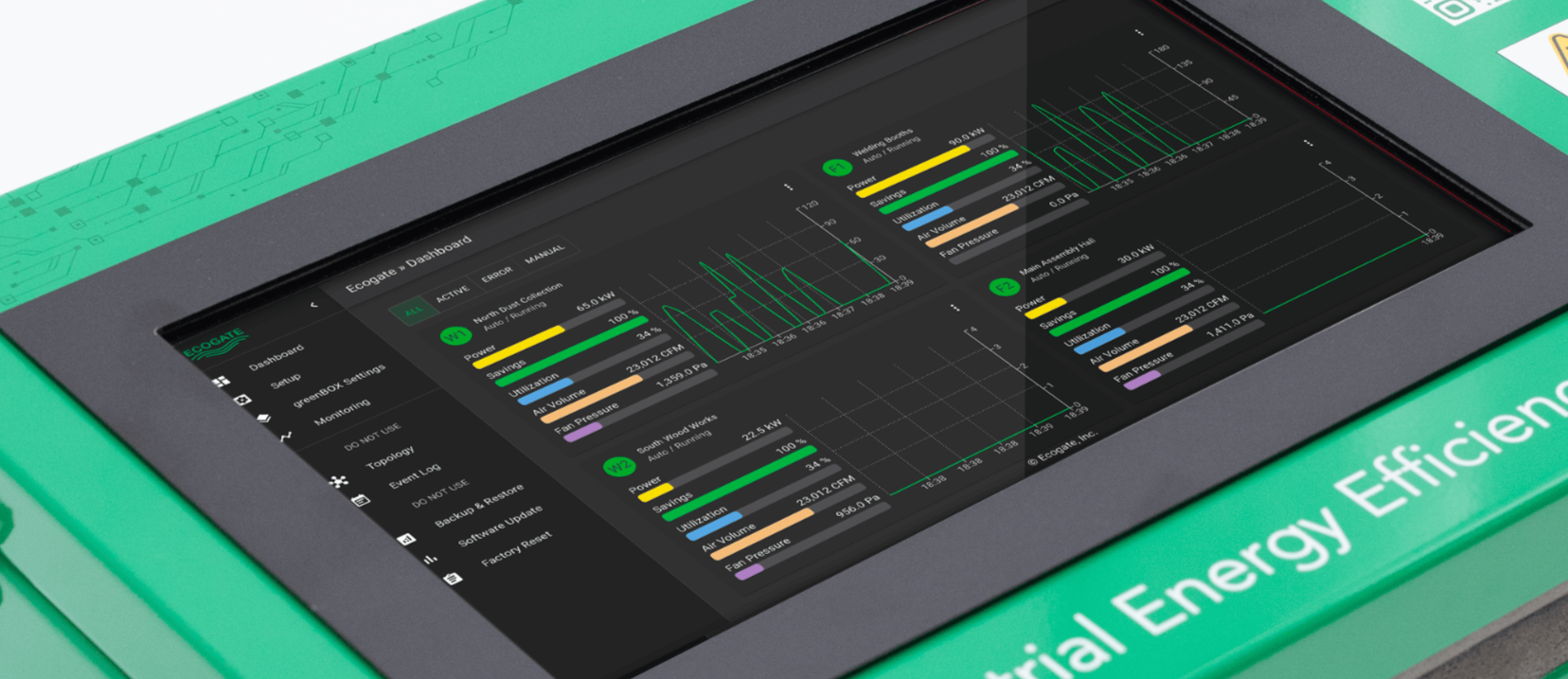
The greenBOX dashboard shows airflow, fan operation, and system readings
←
1 / 4
→

View and adjust system settings.

Use the interface to set up the system, check daily operation, and investigate faults.

01
Local and network access

Use a built-in touchscreen where equipped, or access the web interface from an authorized browser on the facility network.

02
Connected device readings

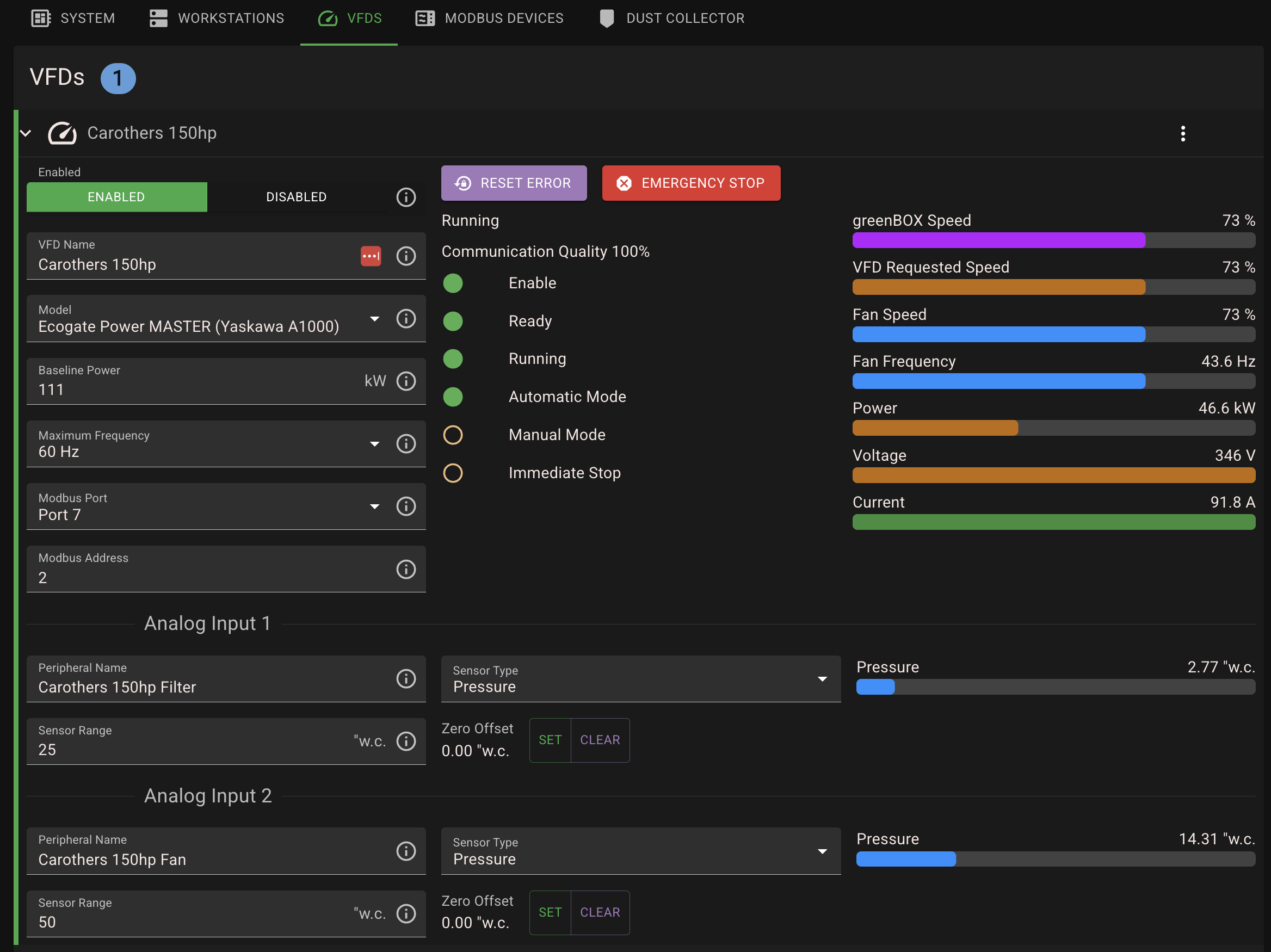
Review connected Modbus devices, communication quality, voltage, current, power, and available per-port settings.

03
System configuration

Set up workstations, gates, duct zones, collectors, fan control, operating sequences, and alarm behavior around the engineered system.

04
Operating data

Use the built-in monitoring and historical charts to review operation. Ecogate Analytics adds cloud reporting and remote access to operating data.

Explore Ecogate Analytics

Choose a controller for your system size.

All four current Smart System models use EcogateOS, support Smart Gates, provide browser access, and receive software updates over the internet. They differ in gate capacity, touchscreen, inputs and outputs (I/O), and power supplies.

greenBOX ProUp to 36 gates
greenBOX NxtUp to 75 gates
greenBOX MaxUp to 150 gates
greenBOX MasterUp to 225 gates

greenBOX Pro

Best fit: smaller Smart Systems

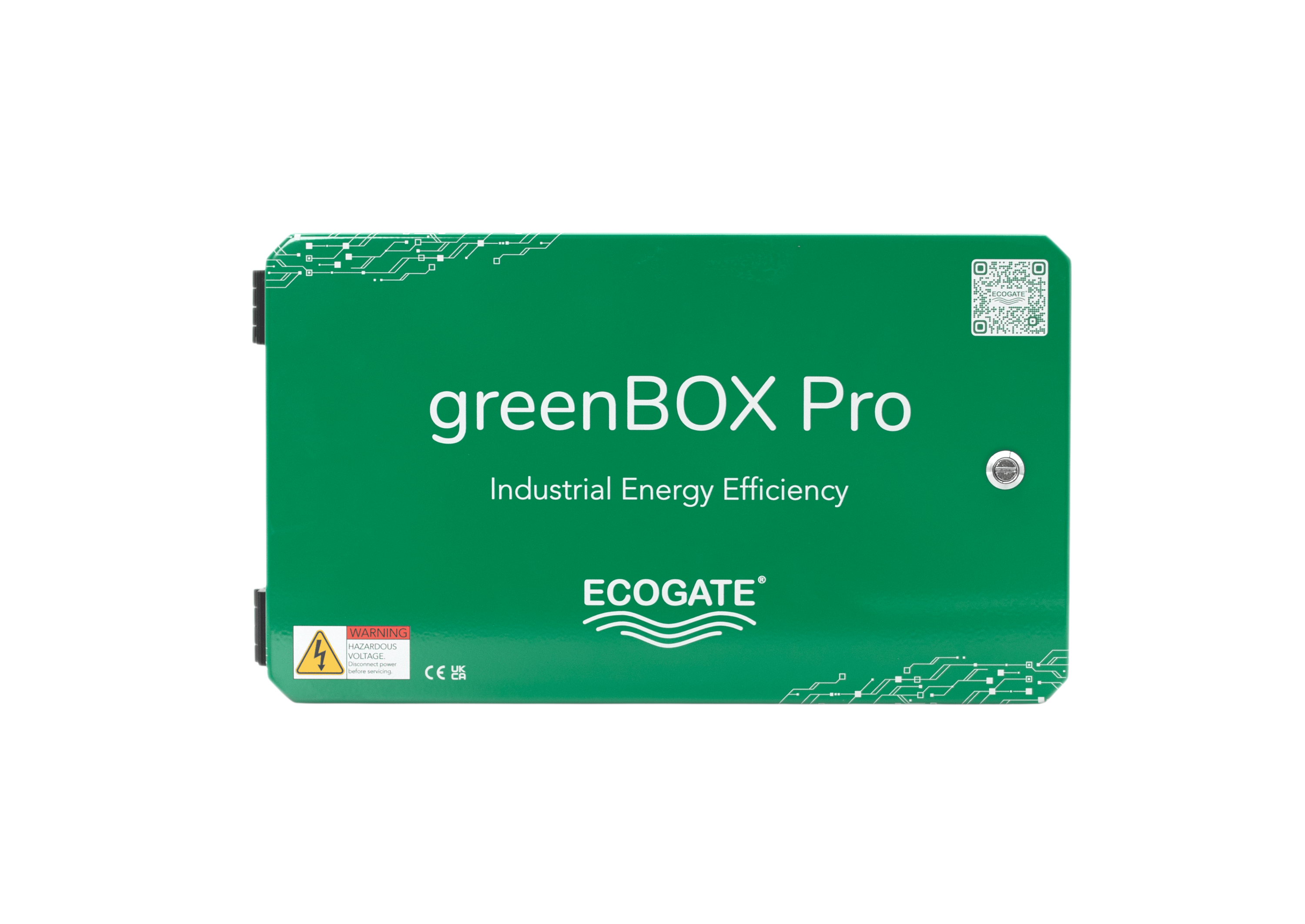
The greenBOX Pro controllerSee Pro Details

The greenBOX Pro controls up to 36 Smart Gates and uses the same core software platform as the larger controllers.

Choose it when: up to 36 gates are enough and browser access or an external display meets the operator-interface need.
Step up when: the project needs a built-in touchscreen, more gate capacity, additional ports, or redundant power.
36Maximum gates
3Modbus ports
BrowserNetwork interface access
4 + 4Digital inputs and relay outputs

greenBOX Nxt

Best fit: most industrial installations

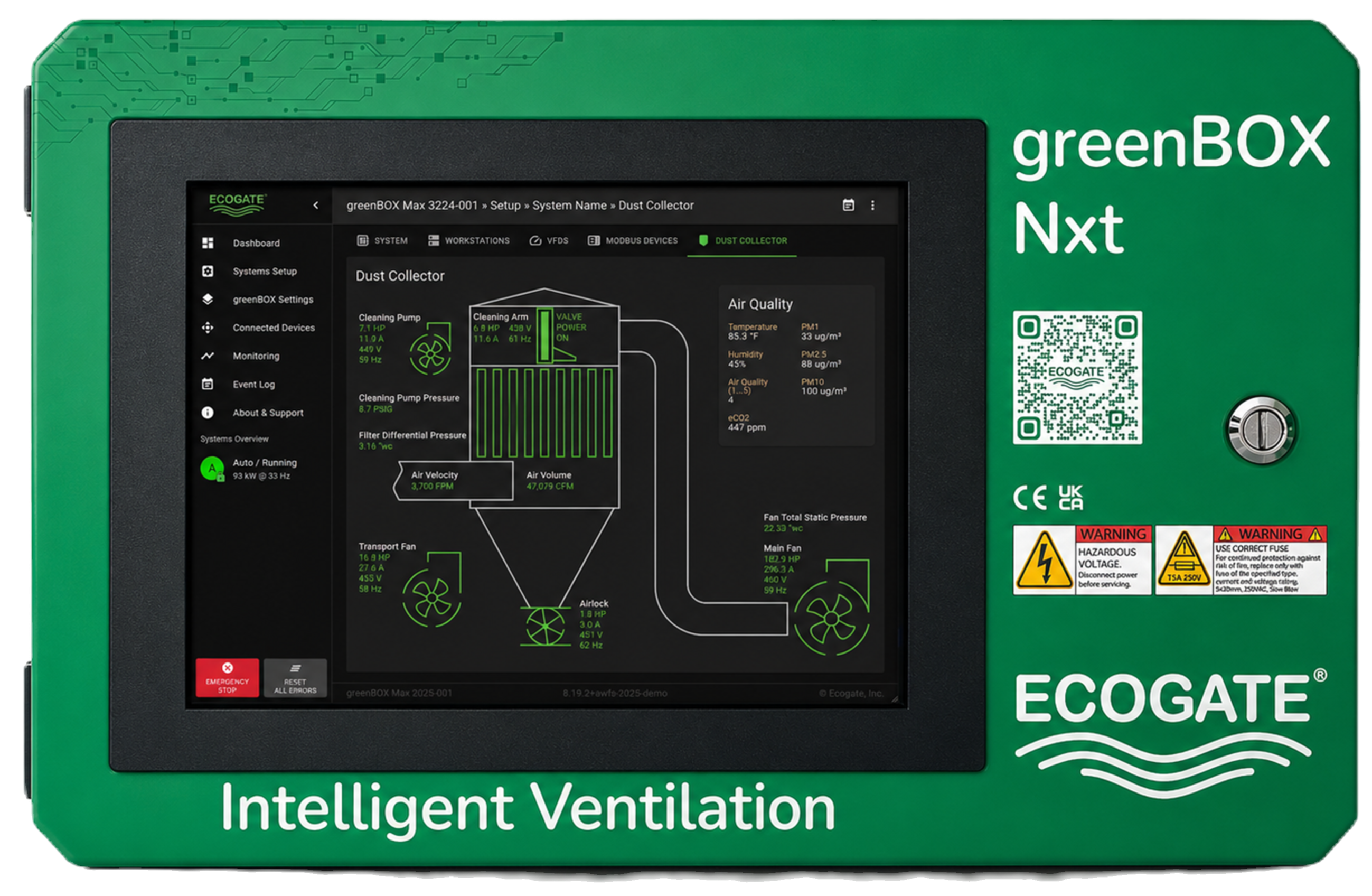
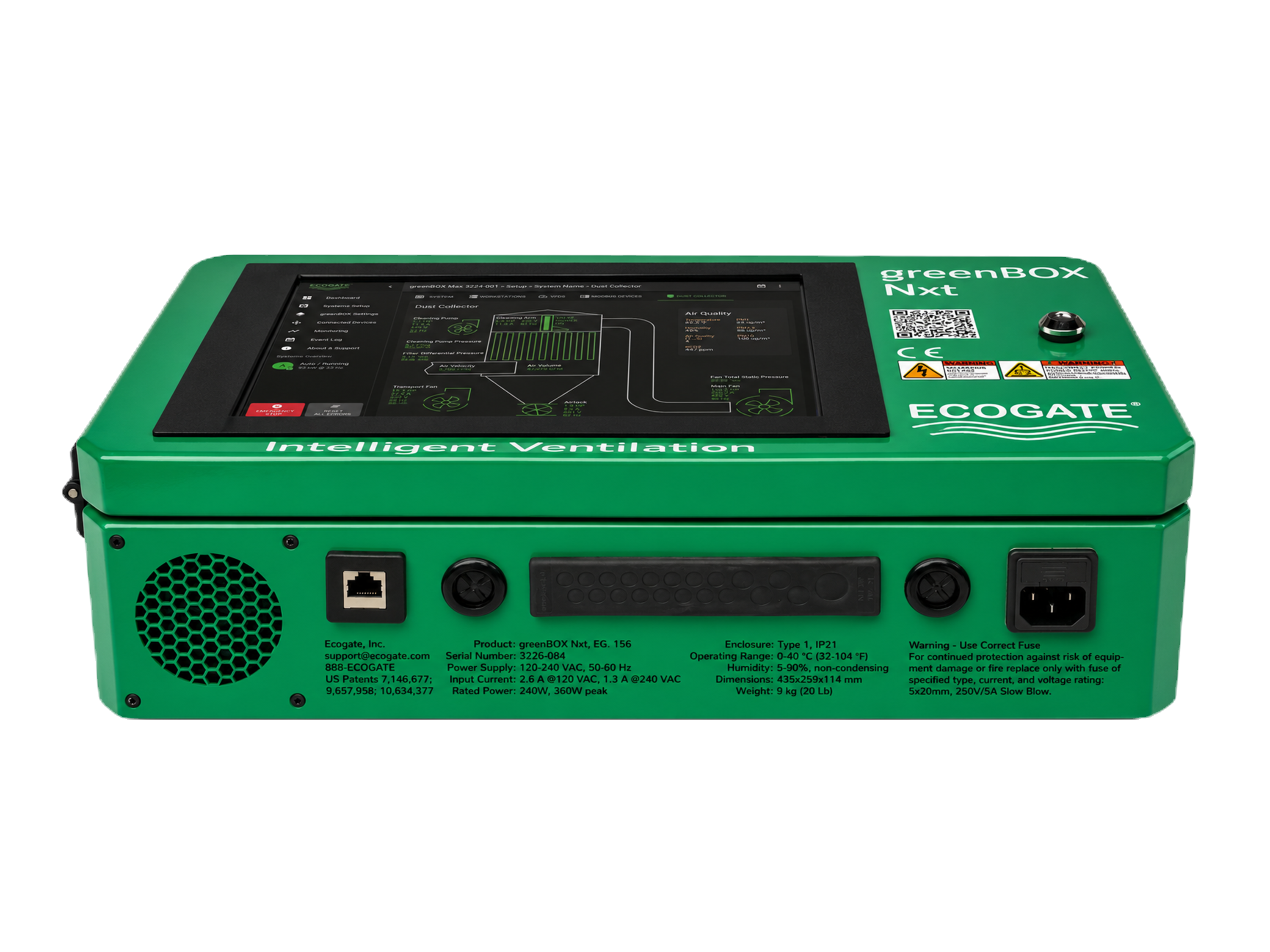
The greenBOX Nxt controllerSee Nxt Details

The greenBOX Nxt includes a 10.1-inch industrial touchscreen and controls up to 75 gates.

Choose it when: the facility wants local touchscreen control and the project fits within three Modbus ports and 75 gates.
Step up when: the installation needs more ports, more I/O, greater capacity, or redundant power.
75Maximum gates
3Modbus ports
10.1 inBuilt-in touchscreen
4 + 4Digital inputs and relay outputs

greenBOX Max

Best fit: larger systems needing redundant power

The greenBOX Max controllerSee Max Details

The greenBOX Max adds six Modbus ports, capacity for up to 150 gates, expanded I/O, a 15.6-inch display, and dual redundant power.

Choose it when: the project needs more than 75 gates, additional connection ports, or redundant power supplies.
Step up when: the facility needs the maximum gate capacity, nine Modbus ports, expanded I/O, or two redundant power pairs.
150Maximum gates
6Modbus ports
15.6 inBuilt-in touchscreen
DualRedundant power supplies

greenBOX Master

Best fit: maximum-capacity and complex facilities

The greenBOX Master controllerSee Master Details

The highest-capacity current controller supports very large factories and multi-system facilities with nine Modbus ports, expanded I/O, and four power supplies arranged as two redundant pairs.

Choose it when: the facility needs up to 225 gates, nine Modbus ports, or two redundant power-supply pairs.
Confirm with engineering: system count, I/O, power demand, duct zones, installation conditions, and planned expansion still determine the final selection.
225Maximum gates
9Modbus ports
15.6 inBuilt-in touchscreen
2 + 2Redundant power architecture
ModelMaximum gatesBest fitModbus portsBuilt-in displayRedundant power
greenBOX Pro36Smaller Smart Systems3NoneNo
greenBOX Nxt75Most industrial installations310.1 inchNo
greenBOX Max150Larger systems needing redundant power615.6 inchDual
greenBOX Master225Maximum-capacity and complex facilities915.6 inchFour supplies, 2 + 2

Controller selection also depends on system count, I/O requirements, power demand, power-supply redundancy, installation conditions, and the engineered control strategy. Ecogate can confirm the correct model.

Controller hardware and connections.

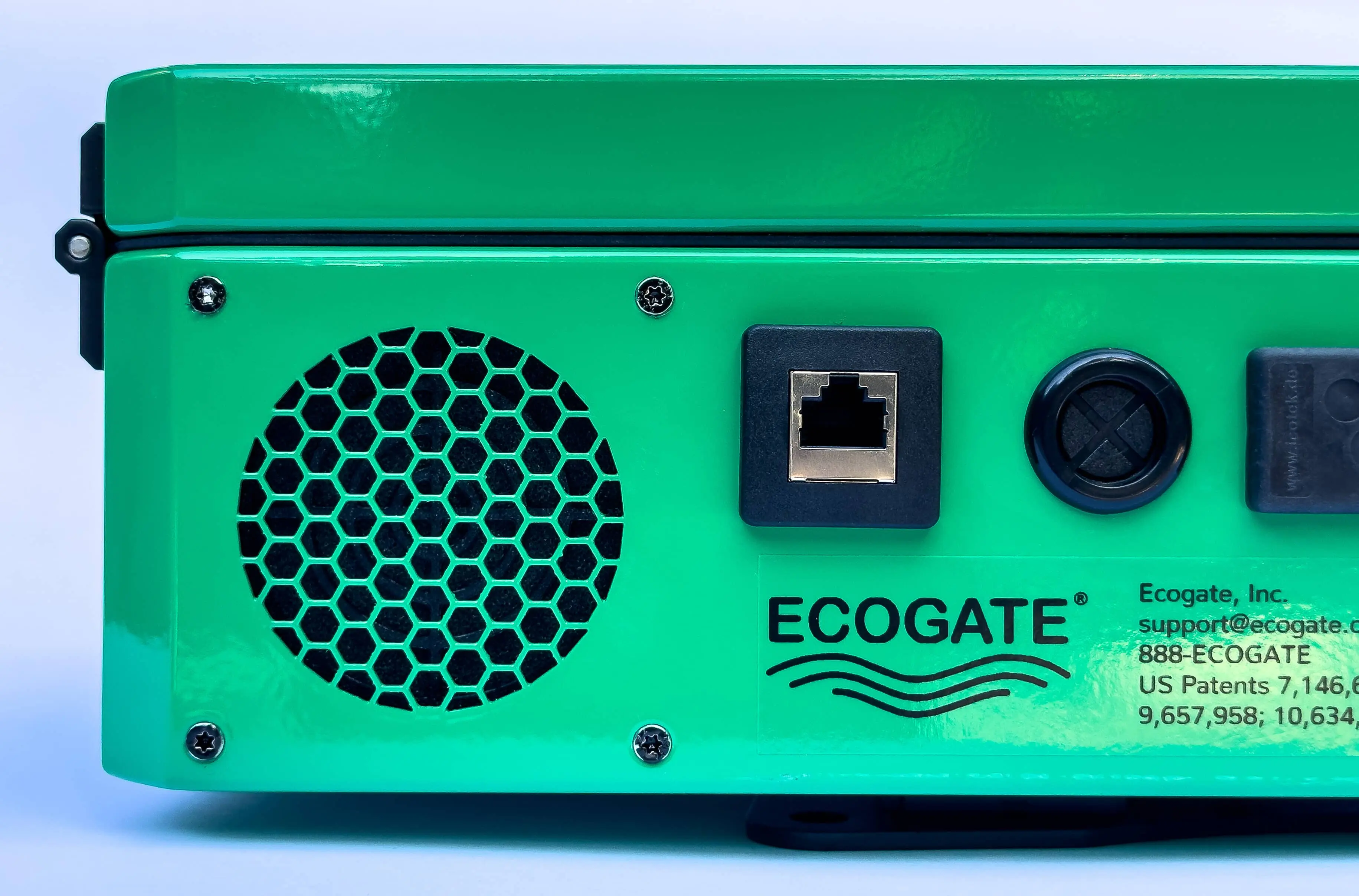
The controller contains an industrial computer, interface boards, power supplies, and cooling components in a serviceable enclosure.

Open cabinet of the greenBOX Max showing touchscreen, industrial computer, power supplies, and internal wiringClose view of the greenBOX Nxt touchscreen showing system performance dataThe greenBOX Nxt industrial controllerExpand gallery
Open cabinet view of the greenBOX Max
←
1 / 3
→
EcogateOSA shared current-generation software platform across the Smart System controller family.
RS485 ModbusThree, six, or nine ports, depending on the selected controller and required system scale.
Internal components and interface board inside the greenBOX Nxt
Serviceable industrial constructionThe enclosure provides access to the computer, interface boards, power supplies, connections, and cooling components for service.
Single master cable24 V DC power and Modbus data for compatible daisy-chained Smart Gates.
Redundant power optionsAvailable on the greenBOX Max and the greenBOX Master when redundant power supplies are required.

Understand the control options.

A fan drive changes fan speed. A system controller decides how much extraction is needed and which gates should open. Here is how the main control approaches differ.

Manual gates and a fixed-speed fan

Operators open and close gates by hand. The fan runs at its set speed, even when fewer machines need extraction.

A variable frequency drive (VFD)

A VFD changes fan speed in response to a control signal. By itself, it does not decide which workstation gates to open or how much airflow each duct needs.

A programmable logic controller (PLC)

A PLC can coordinate gates and fans when the required sensors, control logic, and operator interface are programmed and integrated for the installation.

The greenBOX in an Ecogate Smart System

The greenBOX receives machine activity signals and measurements from Smart Gates. It opens the required gates, adjusts fan speed through the Power Master VFD, and opens additional gates at non-operating machinery or bleed gates until the minimum airflow is reached. Operators can view and manage the system through its interface.

Actual capabilities depend on the equipment and configuration. An Ecogate Smart System requires compatible gates, sensing, fan control, and an engineered system setup.

Other products for smaller systems and gate integration.

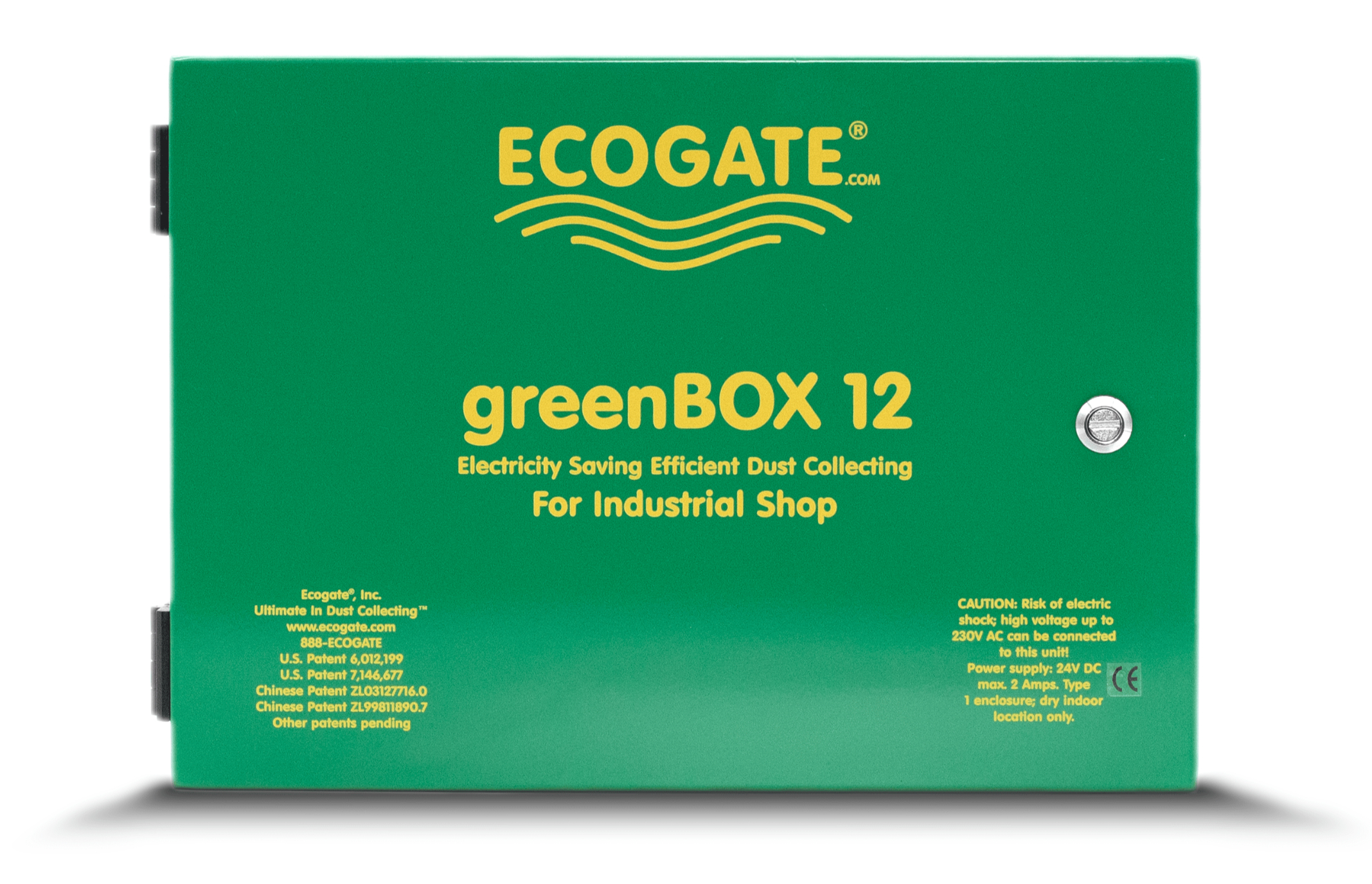
The greenBOX 12 controls Standard Gates in smaller systems. The greenBOX ONE connects compatible third-party gates to a Smart System.

The greenBOX 12 controller for a smaller Standard System

the greenBOX 12

A Standard System controller for up to 12 gates. It uses Standard Gates, supports one duct zone, and can coordinate a Power Master VFD. It does not include the Smart System web interface, gate-level airflow measurement, OTA updates, or Analytics.

View the greenBOX 12
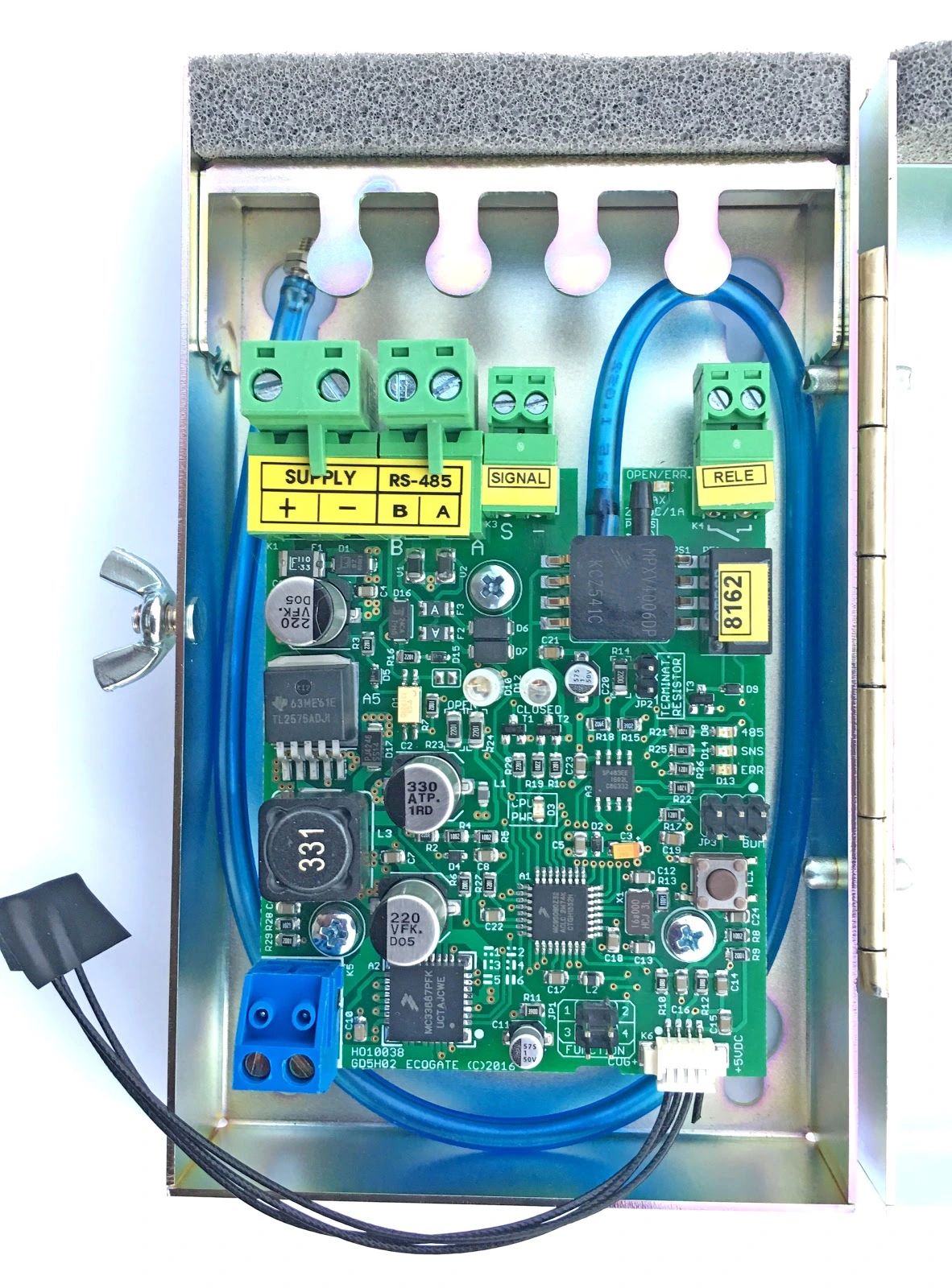
Open the greenBOX ONE interface unit for integrating a third-party gate

the greenBOX ONE

An interface for connecting certain third-party or machine-integrated 24 V DC gates to an Ecogate Smart System. It reports workstation demand to the greenBOX controller and can add pressure-based airflow information at that connection.

Read about the greenBOX ONE

Questions buyers ask before choosing a controller.

Is the greenBOX a PLC or a VFD?

It is the central Ecogate controller. The greenBOX receives demand and system information, calculates required airflow, coordinates gates and operating sequences, and sends the fan command to a compatible Power Master VFD. The VFD regulates fan speed, but it does not replace the greenBOX control logic.

Can operators access the interface without standing at the cabinet?

Current Smart System models provide a web-based interface that authorized users can access from a browser on the facility network. The greenBOX Nxt, Max, and Master also include built-in touchscreens. The greenBOX Pro does not include a built-in screen.

Does every model of the greenBOX support Smart Gates?

The current Smart System models, the greenBOX Pro, Nxt, Max, and Master support Smart Gates. The greenBOX 12 is a separate Standard System controller and uses Standard Gates rather than Smart Gates.

How is the correct model selected?

Start with gate count, then check the rest of the system requirements. Selection also considers the number of controlled systems, Modbus devices, I/O, touchscreen needs, power requirements, redundancy, duct zones, and future expansion. Ecogate engineering can confirm the right controller during system design.

Can an older Ecogate system be upgraded?

Often, yes. The correct path depends on the legacy controller, gates, sensors, VFDs, wiring, and current operating condition. Some existing hardware may be reusable, while other components may need replacement. Ecogate should review the installed system before an upgrade scope is finalized.

Does the greenBOX make the entire facility NFPA compliant?

No single controller guarantees total facility compliance. A properly designed, installed, and calibrated Ecogate system is designed to support the relevant control-system requirement by maintaining configured minimum transport velocities when gates operate. Complete compliance depends on the broader system design, hazard analysis, equipment, installation, housekeeping, and Authority Having Jurisdiction.
Ask Ecogate to help select your controller.

Send Ecogate your workstation count, duct layout, fan and collector details, operating hours, and expansion plans. An engineer can confirm the controller capacity, connections, and power supplies required.

bottom of page